
The "Art of Webteasing" board, just start a thread for your project.Roxas20 wrote: Sun May 25, 2025 6:19 pm Is there a place where you can share demos of your tease to get people's opinions
Here are EOS tutorials
-
kerkersklave
- Explorer At Heart

- Posts: 711
- Joined: Sun Jul 06, 2014 2:11 pm
- Gender: Male
- Sexual Orientation: Open to new ideas!
- I am a: Slave
Re: Here are EOS tutorials
-
Roxas20

- Explorer

- Posts: 17
- Joined: Tue May 20, 2025 5:19 am
- Gender: Male
- Sexual Orientation: Straight
Re: Here are EOS tutorials
Can we put GIF or MP4 file in our teases ?
-
47dahc

- Explorer At Heart
- Posts: 296
- Joined: Mon Aug 03, 2020 1:43 pm
- Gender: Male
- Sexual Orientation: Straight
- I am a: Switch
Re: Here are EOS tutorials
Cools, Thanks. I'll give it a test when I get a chance to work on it.PlayfulGuy wrote: Fri May 23, 2025 11:17 pm
Excellent!
It shouldn't be necessary to remove it before publishing since the init script only runs once when the tease is loaded. When you go through the tease normally and prompt for a name, the entered name should override what was set in the init script. You can test that pretty easily by setting one name in the init script, then enter a different one at the prompt and see what happens. Or in your ini script just set it to an empty string (var name = "").
PG
It is actually a generated pic when I was tinkering with AI. One of my better ones so I decided to use it for my profile. Thanks again.Love your profile pic by the way!
Creator of MetroVerter The Metronome to Tcode converter
My Guide on How to create and mix estim surround videos
My guide on Setup TeaseAI - Awakening with Restim
My Guide on How to create and mix estim surround videos
My guide on Setup TeaseAI - Awakening with Restim
-
DeadOrAlive

- Curious Newbie

- Posts: 2
- Joined: Sat Mar 23, 2024 12:51 am
Re: Here are EOS tutorials
Hello everyone, sorry if this has been asked before —I suspect what I'm looking for isn't possible—. Is it possible to overlay multiple images in teases?
For example, we have a background image:
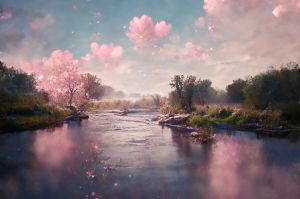
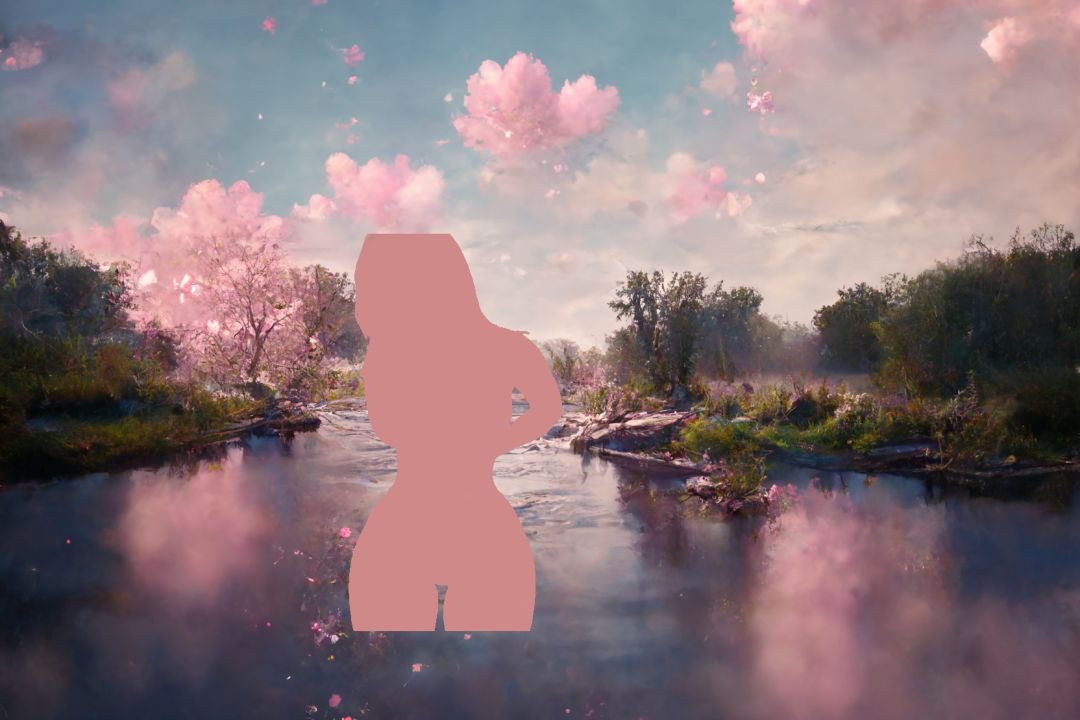
And another image that goes on top:

Can these be dynamically combined in a tease?:
To clarify, I know I can create an image beforehand that gives me the combination I want, but my question is whether this can be done on the fly in the teases.
The need for this dynamic capability arises from my desire to incorporate it into a 'roguelike' tease concept, where elements would need to change and adapt based on the user's actions or choices in real-time.
I understand that the answer is probably no, mainly because the supported formats don’t allow for images with transparent parts (alpha channel). But I was wondering if there might be some trick or technique that could achieve a similar effect. When I talk about techniques, I’m thinking of possible solutions within JavaScript —though of course, I understand that the version supporting the teases is a very specific and limited one, for obvious security reasons.
~~ Thanks so much for your time.
For example, we have a background image:
And another image that goes on top:
Can these be dynamically combined in a tease?:
To clarify, I know I can create an image beforehand that gives me the combination I want, but my question is whether this can be done on the fly in the teases.
The need for this dynamic capability arises from my desire to incorporate it into a 'roguelike' tease concept, where elements would need to change and adapt based on the user's actions or choices in real-time.
I understand that the answer is probably no, mainly because the supported formats don’t allow for images with transparent parts (alpha channel). But I was wondering if there might be some trick or technique that could achieve a similar effect. When I talk about techniques, I’m thinking of possible solutions within JavaScript —though of course, I understand that the version supporting the teases is a very specific and limited one, for obvious security reasons.
~~ Thanks so much for your time.
-
phönix

- Explorer At Heart
- Posts: 702
- Joined: Thu Jun 11, 2020 7:14 am
- Gender: Male
- Sexual Orientation: Open to new ideas!
- I am a: Switch
Re: Here are EOS tutorials
Oh, the answer doesn't take much time, because it's - as you suspected - no.
-
PlayfulGuy

- Experimentor

- Posts: 1079
- Joined: Sat Jul 07, 2012 10:08 pm
- Gender: Male
- Sexual Orientation: Bisexual/Bi-Curious
- I am a: Switch
- Dom/me(s): No domme
- Sub/Slave(s): No sub
- Location: British Columbia, Canada
Re: Here are EOS tutorials
If you're making the tease in EOS there is a "Share" option in the menu on the left.Roxas20 wrote: Sun May 25, 2025 6:19 pm Is there a place where you can share demos of your tease to get people's opinions
Just click that, then copy the link it provides (like this for example https://milovana.com/webteases/showteas ... 6f37109c88)
That link lets others see your tease in a sort of preview mode, even though you haven't actually published it yet.
You can then just post a thread asking for people to test and give feedback. I recommend you post threads like that in The Art of Webteasing.
I've never created a classic tease, and I don't know if there's an equivalent for those.
PG
I'd rather be stroking!
New tease downloader for GuideMe with EOS support.
Downloads of teases I've converted to GuideMe
New tease downloader for GuideMe with EOS support.
Downloads of teases I've converted to GuideMe
-
Roxas20
- Explorer
- Posts: 17
- Joined: Tue May 20, 2025 5:19 am
- Gender: Male
- Sexual Orientation: Straight
Re: Here are EOS tutorials
I would like to know how to make a save system
-
HerpDerp42
- Explorer
- Posts: 73
- Joined: Mon Sep 01, 2014 10:30 am
- Gender: Male
- Sexual Orientation: Straight
- I am a: Switch
- Location: Germany
Re: Here are EOS tutorials
Go through this tutorial: https://milovana.com/eos/editor/help/pe ... -variables
80%-ish dominant, straight, German, 30
PMs are always welcome.
PMs are always welcome.
-
Roxas20
- Explorer
- Posts: 17
- Joined: Tue May 20, 2025 5:19 am
- Gender: Male
- Sexual Orientation: Straight
Re: Here are EOS tutorials
I plan to try to do a tease tower so if I could get some advice from those who have already done it that would be cool

Re: Here are EOS tutorials
I finally decided to try the EOS editor and created a really basic tease. It all works perfectly, but I get a load of validation errors and it won't let me publish the tease until they are fixed.
pages.page2[0].image.locator Must be at least 1 characters long
pages.page2[0].image.locator Does not match the regex pattern ^(file:[^\/]+|gallery:[0-9a-f]{8}-[0-9a-f]{4}-[0-9a-f]{4}-[0-9a-f]{4}-[0-9a-f]{12}\/(\*|[0-9]+))$
pages.page17[2].timer.duration Does not match the regex pattern ^(([1-9][0-9]*(\.[0-9]*[1-9])?|0(\.[0-9]*[1-9])?)(w|d|h|m|s|ms))+(-(([1-9][0-9]*(\.[0-9]*[1-9])?|0(\.[0-9]*[1-9])?)(w|d|h|m|s|ms))+)?$
pages.page17[2].timer.duration Does not match the regex pattern ^\$.*$
pages.page17[2].timer.duration Failed to match at least one schema
So I started again from scratch and thought okay I will check the validation tab as I go along, but right from the start it keeps telling me that I must have a page called start.
Could anyone tell me what I'm doing wrong?
pages.page2[0].image.locator Must be at least 1 characters long
pages.page2[0].image.locator Does not match the regex pattern ^(file:[^\/]+|gallery:[0-9a-f]{8}-[0-9a-f]{4}-[0-9a-f]{4}-[0-9a-f]{4}-[0-9a-f]{12}\/(\*|[0-9]+))$
pages.page17[2].timer.duration Does not match the regex pattern ^(([1-9][0-9]*(\.[0-9]*[1-9])?|0(\.[0-9]*[1-9])?)(w|d|h|m|s|ms))+(-(([1-9][0-9]*(\.[0-9]*[1-9])?|0(\.[0-9]*[1-9])?)(w|d|h|m|s|ms))+)?$
pages.page17[2].timer.duration Does not match the regex pattern ^\$.*$
pages.page17[2].timer.duration Failed to match at least one schema
So I started again from scratch and thought okay I will check the validation tab as I go along, but right from the start it keeps telling me that I must have a page called start.
Could anyone tell me what I'm doing wrong?
Re: Here are EOS tutorials
Hi
Thank you very much for your answer. But there were images selected, I checked the timers and they were correct and there was a page called 'start'...
I am also completely confused that the errors remained even once I deleted the pages.
That's the thing that bothered me the most honestly, because I thought if I had done a huge maze or something and then got a problem with a page then I could just delete the page and start over. But if deleting the page doesn't delete the error then I could have a ton of work that is scuppered by an error for a page that doesn't even exist anymore.
666
Thank you very much for your answer. But there were images selected, I checked the timers and they were correct and there was a page called 'start'...
I am also completely confused that the errors remained even once I deleted the pages.
That's the thing that bothered me the most honestly, because I thought if I had done a huge maze or something and then got a problem with a page then I could just delete the page and start over. But if deleting the page doesn't delete the error then I could have a ton of work that is scuppered by an error for a page that doesn't even exist anymore.
666
-
subelyna23

- Explorer
- Posts: 92
- Joined: Sun Oct 22, 2017 10:37 am
- Gender: Female
- Sexual Orientation: Open to new ideas!
- I am a: Domme (Female)
- Contact:
Re: Here are EOS tutorials
I found same errors, check pm!666 wrote: Tue Jun 24, 2025 7:50 pm Hi
Thank you very much for your answer. But there were images selected, I checked the timers and they were correct and there was a page called 'start'...
I am also completely confused that the errors remained even once I deleted the pages.
That's the thing that bothered me the most honestly, because I thought if I had done a huge maze or something and then got a problem with a page then I could just delete the page and start over. But if deleting the page doesn't delete the error then I could have a ton of work that is scuppered by an error for a page that doesn't even exist anymore.
666
Photo Gallery Upload Limit or Bug?
Hello dear community,
after a long while working on a tease I encountered a problem,
of not being able to add more photos to a gallery.
The function itself looks fine. In the upper right corner it seems like the tease is not updating/saving the changes
(only in Gallery section - rest works fine).
The popup in the lower left corner says: uploading... ->hashing file -> querying file hash -> Ready.
But unfortunately no files are being added to the galleries (tried different browsers and notebook + tablet)
I edited the tease in json and also renamed the tease (no errors on upload).
The tease hasn´t been published so far (shared only).
My main question is:
1) Is there a way to tweak the tease, so it allows to upload photos to a gallery again?
Side questions:
2a) Is there a limit to the amount of distinct galleries?
2b) Is there a limit to the amount of photos per gallery?
3) What is a healthy amount of photos in a gallery, if I want to use a random photos from the selected gallery? (no preload of photos - healthy distribution)
4) Are galleries from other teases directly accesible, if I have the ID of the gallery?
5) Are galleries accesible by other users?
I´m sorry if a similiar post with identical topic, already exists, but I haven´t found it so far.
Thank You very much for Your help.
tt85
after a long while working on a tease I encountered a problem,
of not being able to add more photos to a gallery.
The function itself looks fine. In the upper right corner it seems like the tease is not updating/saving the changes
(only in Gallery section - rest works fine).
The popup in the lower left corner says: uploading... ->hashing file -> querying file hash -> Ready.
But unfortunately no files are being added to the galleries (tried different browsers and notebook + tablet)
I edited the tease in json and also renamed the tease (no errors on upload).
The tease hasn´t been published so far (shared only).
My main question is:
1) Is there a way to tweak the tease, so it allows to upload photos to a gallery again?
Side questions:
2a) Is there a limit to the amount of distinct galleries?
2b) Is there a limit to the amount of photos per gallery?
3) What is a healthy amount of photos in a gallery, if I want to use a random photos from the selected gallery? (no preload of photos - healthy distribution)
4) Are galleries from other teases directly accesible, if I have the ID of the gallery?
5) Are galleries accesible by other users?
I´m sorry if a similiar post with identical topic, already exists, but I haven´t found it so far.
Thank You very much for Your help.
tt85