Hi again

I am pleased to announce a new version of PMVDirector!!!
And this brings a major change: Projects and video libraries are now separate. A library holds your analyzed video data and can be shared across multiple projects. A project simply references a library instead of embedding the data.
Now, on one hand, we have the libraries, which are .vlib files containing the info about the videos we’ve already analyzed. And on the other hand, we have the projects, .pmvd files, which use the videos from the libraries to create a PMV.
These libraries can be used as many times as you like, and you can view and edit the videos they contain. The idea is to have a library containing information about your videos, and then, whenever you want to create a PMV, select which videos from your library you want to use.
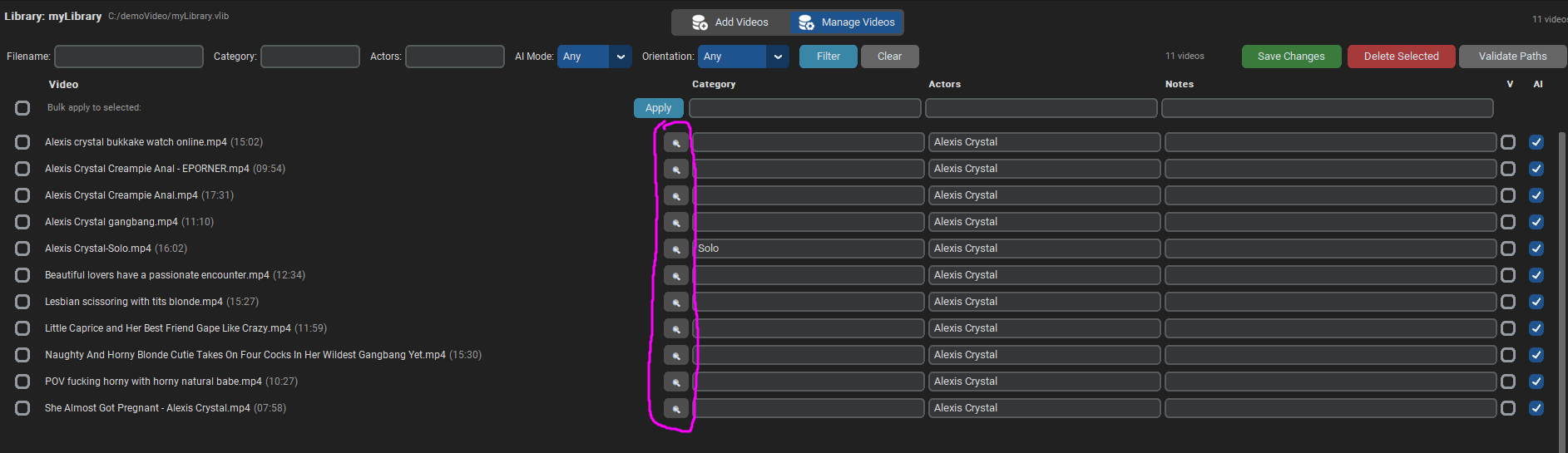
From the new “Manage Videos” view, you can manage the videos in a library and even rearrange their paths if the videos have been moved to another folder.
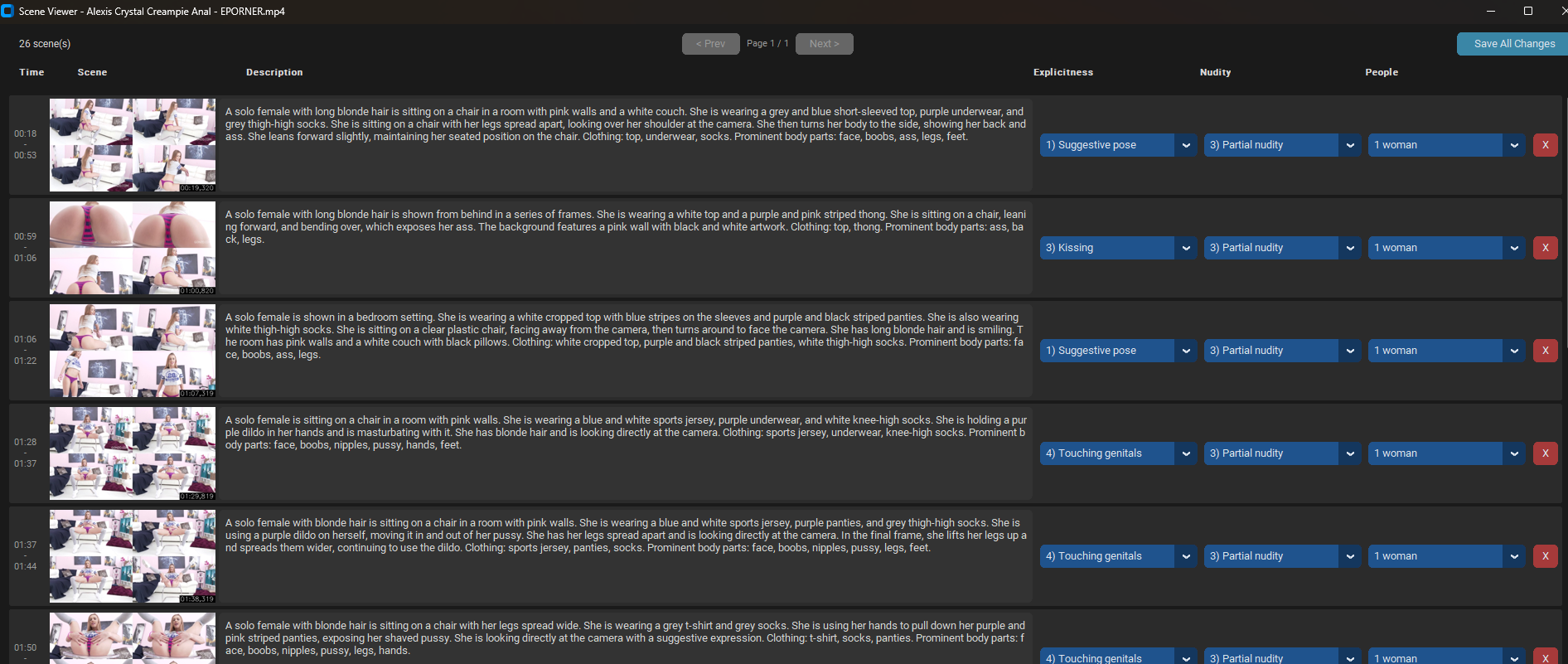
By clicking the magnifying glass icon, you can view the processed scenes, including the description and categorization generated by the AI (which now allows you to test other AI models and easily see how well or poorly they perform). And from that view, you can also make manual adjustments, in case the AI made a mistake and you want to correct it.
Now, when we create a new project, instead of processing the videos, we simply select a library (vlib file) and choose which videos we want to use.
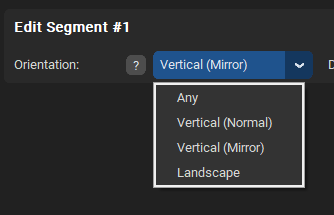
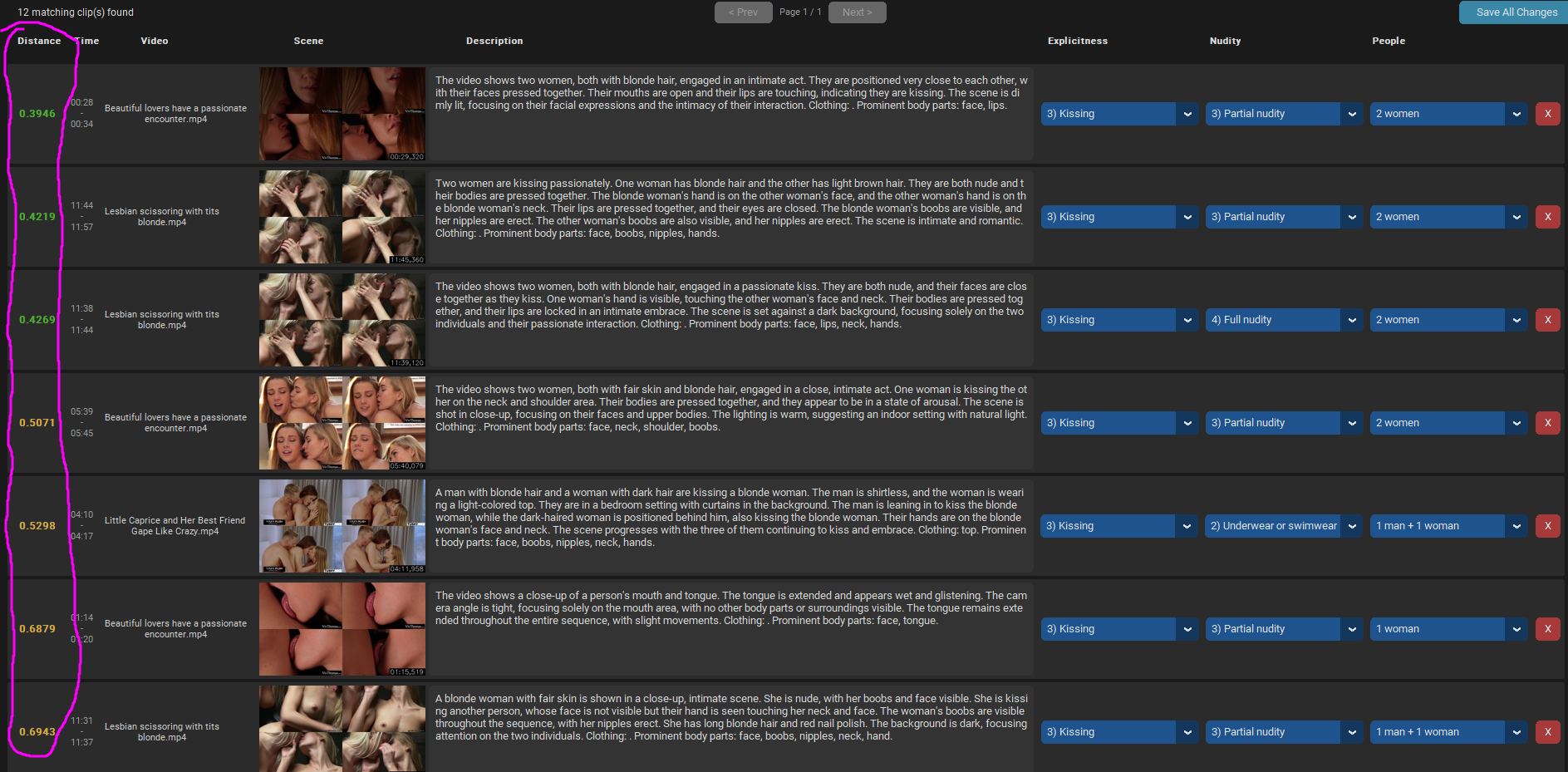
I've also added a button called “Preview Matching Clips” in the Timeline tab, within the segment settings.
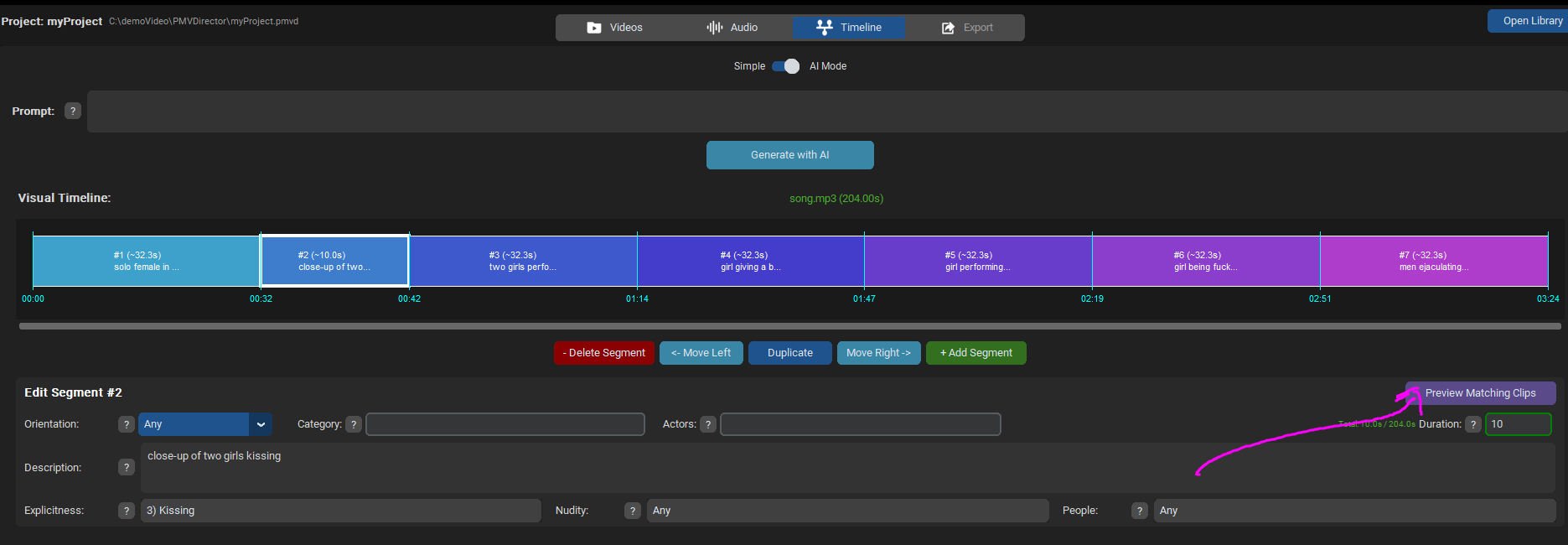
This allows you to see which clips meet your segment's criteria. They're sorted in descending order, starting with the ones that best match your description.
I’ve updated the demo video with these changes:
https://streamtape.com/v/rrPAjvY8erhx8J/demoV2.mp4
The video doesn’t explain all the options; when I have time, I want to create a more detailed tutorial that I’ll post in the first post.
I’ve updated the PMVDirector download links in the first post with this latest version.
Keep in mind that older projects (.pmvd files) aren’t compatible with this new version.
Now that we have this library with the videos already analyzed, I plan to implement new modes to use it beyond just doing PMVs. I’m working on a “mistress” mode that uses this information from your videos to tease you.
Any suggestions are welcome